Upgrading from Amateur General to Extra
The process of upgrading from the FCC Amateur Radio Operator General Class to the Extra Class. Note that this is all my personal experience, and the test-taking process (especially on Zoom) will vary depending on the VE team.
Backstory
I first received my license from a VEC in Japan. I passed both the Technician and General classes on the same day, but not the Extra class. Since then, it has been my dream to upgrade to Extra, but I have not had enough time to devote to it. Now that it’s been a year since my first exam, I’ve finally decided to upgrade my license. Here are the brief, ideal steps to follow until test day.
Before the Exam
- Study with Hamstudy.org, reach 100%, and then have an aptitude of about 90% as well
- Click “Find a session” on hamstudy.org, and find either an in-person exam or a remote (Zoom) exam
- Follow the instructions on the registration page (name, address, callsign (if you have one), FRN, etc.)
- Follow the instructions in the email (in my case, I was asked to check my environment and clean out anything on the table, etc.).
- Study consistently until test day (btw, I didn’t do this…).
- Test day!
In my case, I chose GLAARG because they are “FREE for youth, students w/current ID, active duty military, veterans.”
Since I am currently a college student, this was a big benefit. Amazing Group!
On the day of the Exam
So, now, this is the step I took on the test day for my remote exam.
- Be ready to join Zoom about 30 mins before the appointment time (I got a text from VE saying they are already ready to start 40 mins before the appointment time, btw)
- Join the Zoom meeting with the link in the email from VEC
- There will be 1 or 2 people welcoming you, checking your FRN and name, and your ID (driver’s license, passport, etc.), as well as the class (Technician, General, or Extra) you will be testing.
- Move to a breakout room, where there will be 7 or 8 other VEs. They will all introduce themselves. I was the only person testing on this day and time, so 1 examinee (me) vs. 7 examiners was pretty intimidating, not gonna lie.
- Share screen on Zoom
- They will verify whether you have any tabs open. If you have the taskbar auto-hide feature enabled, VE will ask you to change the settings.
- They will scan your room. You will have to hold your laptop or webcam and do a 360-degree turn. You will show the floor and the ceiling as well.
- Have a mirror or a reflective surface ready. They will check your screen (physically) as well. They will check whether you have any Post-its or other items stuck to the screen.
- Go to examtools.org website, and enter the code given by VE
- They will explain every feature on the website
- Count of remaining questions
- Implemented calculator
- Diagram Zoom/Unzoom
- Skipped questions
- etc.
- Start the exam whenever you feel ready
- The examiners will turn off their cameras, so it will be only you who has the camera on
I took about 50 minutes since the start of the exam (yes, I’m a slow test-taker), but VE told me that there are no time restrictions, so I was able to take the test without time pressure.
After passing the exam
- VEs will congratulate you (yay!)
- Confirm stuff (ID, FRN, Name, callsign (if you have), address)
- Sign a paper on ExamTools. Check all the info on the document is correct/acceptable (Also, if I want to get a new callsign or not)
- Download a file (VE signs) sent via Zoom chat
- Stop sharing the screen
- Leave the breakout room
- Talk with the person in the main room for a bit, and confirm again that everything is correct.
- Instructions after the exam
- Can use extra power/bands if I put /AE after my callsign
- Was advised not to apply until everything is changed on the FCC website (like requesting a 2×1 or 1×2 vanity callsign).
- Casual chatting for a bit
- Leave Zoom
After leaving the Exam
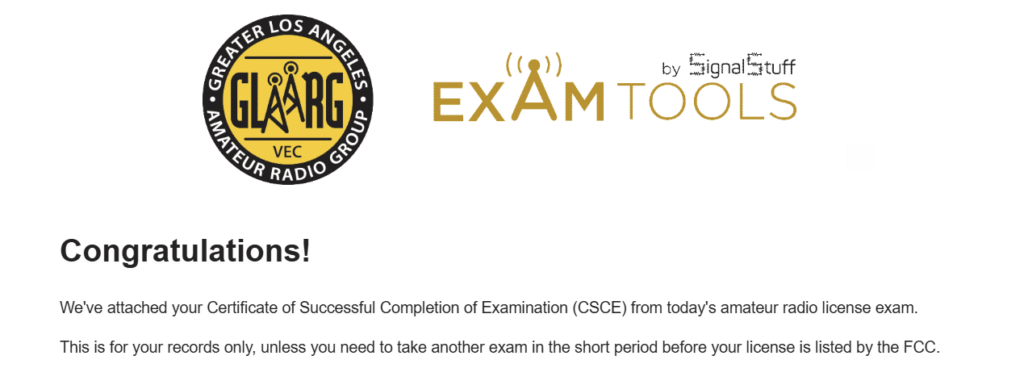
A few minutes after I left the Zoom meeting, I got an email from examtools.org with a PDF document of the Certificate of Successful Completion of Examination (CSCE).
About 5 days later, I received an email from the FCC with a link to the most recent version of my license.
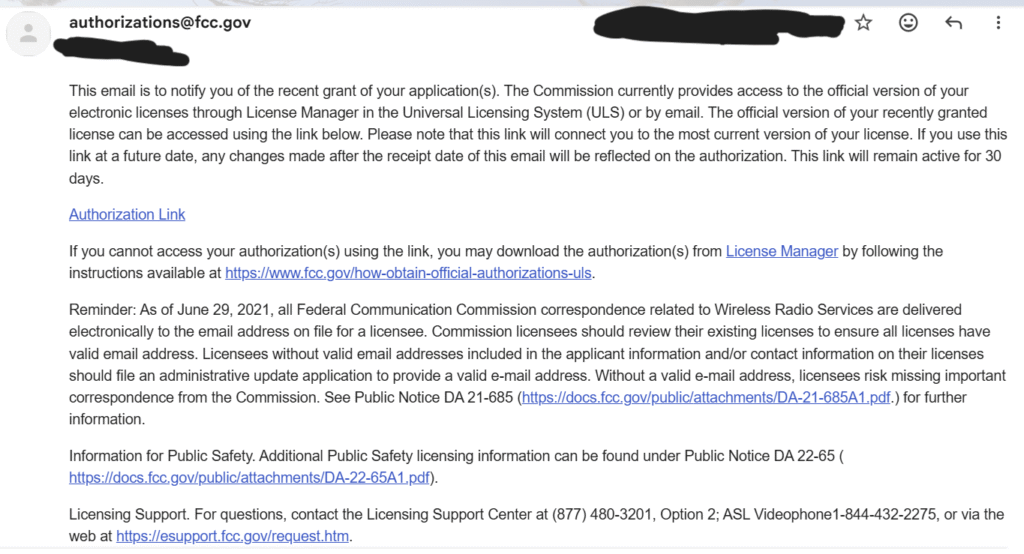
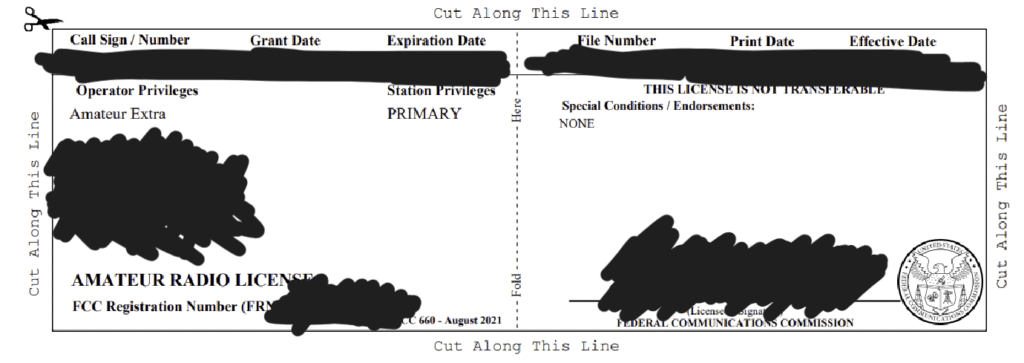
When you click on the authorization link in the email, it will automatically download the latest license on your computer. I immediately printed, signed, and framed the station license and hung it on the wall. I also cut out the wallet-sized license to carry around. These will all be updated to your latest class.
It was such a relief when I saw the words “Amateur Extra” on my license!
Good luck, 73!